DS-160 Session Timed Out? How to Get Back In and Resume
A DS-160 session times out after 20 minutes without activity, but the pages you finished are saved. How to retrieve your form with the Application ID, and what to do if it keeps timing out.
Last reviewed: November 23, 2026.
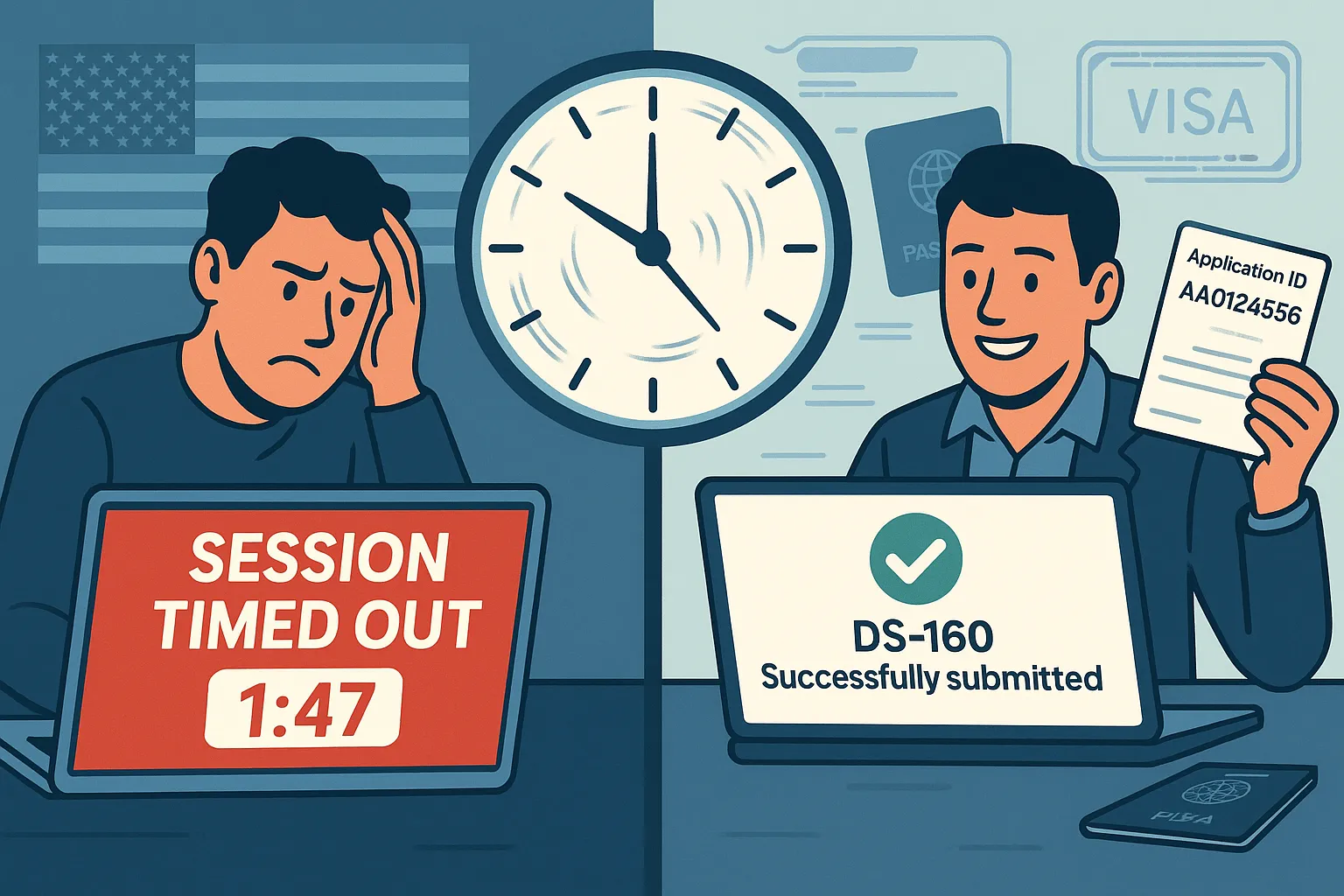
If your DS-160 session timed out, you have probably not lost your form. Every page you finished was saved when you moved past it. Retrieve the form with your Application ID and you carry on from the last page you completed. Only the page you were on when it timed out has to be filled in again.
Free for individuals
Fill in your DS-160 where it can't time out
Your answers save as you go. There is no session to time out, so you can stop and come back days later. We check for missing and invalid answers, then enter everything on the official U.S. government website for you.
Free, with no card needed
What a timeout keeps and what it loses
The official DS-160 site, CEAC, ends your session after 20 minutes without activity. Reading a page or looking up an answer elsewhere does not count as activity: only saving or moving to another page does.
- Kept: every page you completed. The State Department’s DS-160 FAQ says each page is saved when you click Next, and that a retrieved application “will begin at the last page you completed”.
- Lost: whatever you typed on the page you were on, unless you clicked Save on it.
- Still needed: your Application ID, the 10-character code starting with “AA” at the top right of every page, and the answer to your security question.
How to get back in
- Select the location you chose when you started the DS-160.
- Choose Retrieve an Application.
- Enter the Application ID.
- Enter the first five letters of your surname, your year of birth and the answer to your security question, exactly as you set them.
The form opens at the last page you completed. Check that page before you carry on, then keep going.
If you saved your form with Save Application to File, you can also choose Upload a Previously Saved Application and pick up from that file.
If it times out again straight away
Some applicants see “session timed out” seconds after they start, or every time they click Save. That is not the 20-minute limit. These are the usual fixes, roughly in order:
- Use one tab. Close every other CEAC tab and window, including one with another applicant’s DS-160. CEAC tabs in one browser share one session and can end each other’s.
- Stay on one connection. Turn off a VPN, and don’t switch between Wi-Fi and mobile data while you fill in the form.
- Allow cookies for ceac.state.gov and turn off ad blockers and other extensions for the site, or use a private window, which starts with none.
- Use the buttons on the page, not the browser’s back button. Going back with the browser can lose a change you just made.
- Use an up-to-date Chrome or Firefox. The FAQ still lists Internet Explorer 11, Firefox and Chrome 58 as supported and Safari and Microsoft Edge as not. Internet Explorer itself is no longer supported by Microsoft.
- Try again later. If the site will not load at all, or times out for everyone, the problem is on CEAC’s side. Nothing you saved is lost while it is down.
If you can’t get back in
- You lost the Application ID. Look in your email, your appointment account and anywhere you noted it. Our lost application ID guide lists the usual places.
- You forgot the security answer. There is no reset, and no embassy can reset it for you. Start a new DS-160.
- More than 30 days have passed. The FAQ says: “You have 30 days to return to a partially completed application.” After that, only a file saved with Save Application to File brings it back. Our guide to how long CEAC keeps a DS-160 explains what is kept and for how long.
- The site says the application “has been archived”. That happens to a DS-160 submitted more than about a month ago. Wait about 15 minutes and retrieve it again.
If you start a new DS-160 after booking your visa appointment, the new number has to go on the appointment: see our guide to changing the DS-160 number on your appointment.
Messages that look like a timeout
| What you see | What it means | What to do |
|---|---|---|
| A “session timed out” page | 20 minutes without activity, or one of the problems above | Retrieve the form with the Application ID |
| “An unexpected error has occurred while processing your previous request” | CEAC failed on its side. The page asks for your Application ID | Enter it: the form is still there |
| Your appointment site says the DS-160 you entered “is not complete” | That DS-160 was not submitted, or the number was mistyped | Retrieve it, finish and submit it, then enter the number from its confirmation page |
| The application “has been archived” | A submitted DS-160 from more than about a month ago | Wait about 15 minutes and retrieve it again |
How to avoid losing a page
- Write down the Application ID and your security answer as soon as you see them, exactly as typed.
- Have your answers ready before you start: passport, travel history, work and education with addresses and dates, family details. The long pages are the ones that run past 20 minutes while you look things up.
- Click Save before you leave a page to look something up.
- Click Save Application to File at the end of each session, on your own computer only: the FAQ warns that a file saved on a shared or public computer “could likely be accessed by anyone else”.
- Fill in a long page in a document first and paste the answers in, so a timeout costs you nothing.
Who can help
No one can recover a DS-160 or reset a security answer for you, including the embassy. The help desk on your country’s visa appointment site answers questions about booking and fees; its contact details are on that site and on your embassy’s visa pages.
Common questions
How long before a DS-160 times out? 20 minutes without activity. Saving or moving to another page resets it.
Do I have to start again after a timeout? No. Retrieve the form with your Application ID: it opens at the last page you completed.
Does Save keep my answers? Yes. Save keeps the page you are on, and Next saves each page as you move on.
Can I fill in two DS-160s at the same time? Not in one browser. Finish or save one, then open the next, or use a separate browser for each.
My session timed out while I was submitting. Was it submitted? Retrieve it. If it was submitted, CEAC shows the confirmation page. If not, it opens on the last page, where you can sign and submit again.
This article is general information from official U.S. government sources, not legal advice. Your embassy or consulate decides your case.
Finish your DS-160 the easier way.
Answer the questions once. We check for missing and invalid answers, then enter everything on the official U.S. government website for you.
Free, with no card needed